
Staying organized in 2026 comes down to building a system that actually supports how you work day to day. Most people are juggling tasks across work, personal life, and multiple devices, which makes scattered setups fall apart quickly.
The best productivity apps today solve this by combining AI, automation, and syncing so you spend less time managing your system and more time using it. What matters now is not how many tools you use, but how well they connect into something you can rely on daily.
Task management apps that keep everything from slipping
Task management is the foundation of any productivity system. If this part is weak, everything else becomes harder to control.
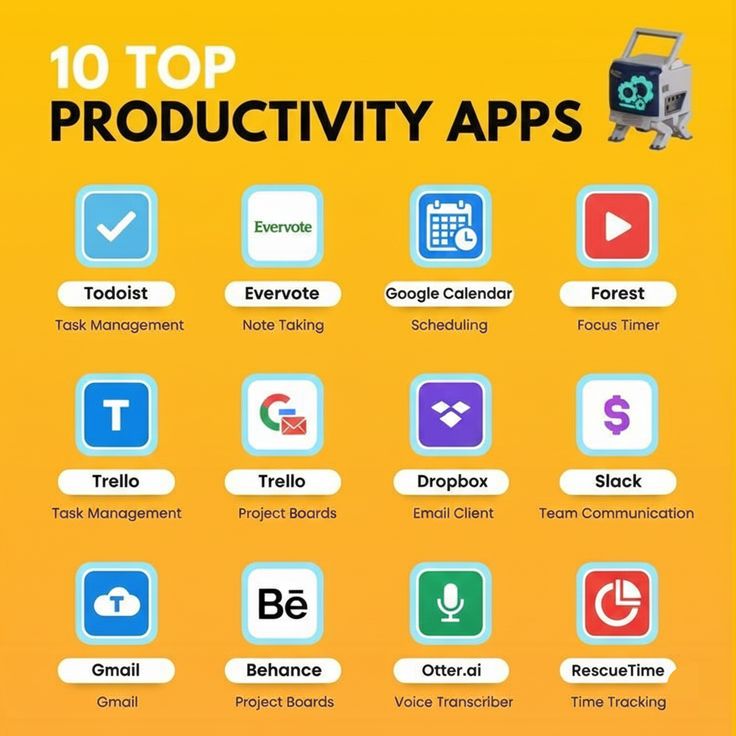
Todoist remains one of the most reliable personal task managers in 2026. It is fast, simple, and designed for quick capture. You can type “submit report Friday 4pm” and it automatically turns into a scheduled task.
Recurring tasks are easy to set up, which is useful since routines make up a large part of daily productivity. The interface stays clean even when your list grows, which helps reduce mental clutter. It works best for individuals, freelancers, and students who want structure without complexity.
Asana is built for teams that need structure across multiple projects. It handles timelines, task dependencies, and progress tracking in a way that keeps work visible. Teams can assign tasks, set deadlines, and automate repetitive steps that usually slow things down.
It takes some time to learn, but once set up, it reduces coordination issues and missed work. It is most useful for startups and agencies managing several moving projects at once.
Other tools serve specific needs. ClickUp offers heavy customization and can replace multiple apps, though it can feel overwhelming. Trello keeps things simple with visual boards that are easy to scan. Microsoft To Do works well for users already inside the Microsoft ecosystem.
Note-taking tools that help you think clearly
Once tasks are in place, you need somewhere to store ideas, plans, and reference material. Note-taking tools now act more like systems for thinking than simple note apps.
Notion is a flexible workspace where you can build notes, databases, and planning systems in one place. It can handle everything from content calendars to project dashboards. AI features help with writing, summarizing, and organizing information faster.
The flexibility is powerful, but it requires structure, or it becomes messy over time. It works well for creators, students, and teams who want a connected workspace.
Evernote focuses on simplicity and fast note capture. It is easy to use without setup and works well for people who just want to store information without building systems.
Obsidian is built around linking ideas. Instead of isolated notes, it creates a network of connected thoughts. This makes it useful for research, writing, and long-term knowledge building where relationships between ideas matter.
Focus tools that help you stay on track
Even a strong system breaks down without focus. Distractions are constant, and switching attention too often slows down real progress.
Forest uses a simple timer system where a virtual tree grows while you stay focused. If you leave the app, the session ends. The visual feedback makes it easier to stay committed to short focus sessions and build consistency over time.
RescueTime runs in the background and tracks how time is spent across apps and websites. After a few days, it becomes clear where attention is actually going compared to what you think is happening. That awareness often leads to small but important behavior changes.
Clockify is a straightforward time tracker used by freelancers and teams to log hours. It is simple, free, and effective for tracking work without extra complexity.
Motion builds your daily schedule automatically based on tasks and deadlines. It adjusts plans when priorities shift, which helps reduce manual planning and keeps your day organized with less effort.
Collaboration tools that keep teams aligned
Working with others requires clear communication and shared systems. Without structure, messages get scattered and work slows down.
Slack organizes communication into channels, which helps separate topics and reduce clutter. It integrates with most productivity tools and keeps conversations in one place. The main challenge is managing notifications so it does not become distracting.
Google Workspace supports real-time collaboration through Docs, Sheets, and Drive. Multiple people can work on the same file at once, which removes version confusion and speeds up collaboration. It is widely used because it makes remote work simple and accessible.
How to make these tools work together in real life
Tools only help when they are used as a system. The goal is to keep things simple and connected.
Start with one task manager and stick to it. Switching between apps creates confusion and weakens your workflow. Use a note system like Notion to connect planning, ideas, and reference material so everything stays in context.
Block focused work time daily. Tools like Forest or Motion help protect attention so work is not constantly interrupted. Automate repetitive actions like recurring tasks, reminders, and calendar syncing. These small setups remove ongoing mental effort.
A weekly review keeps everything stable. It helps you reset priorities and clean up outdated tasks before they build up.
Real-life use case example
A simple setup can go a long way. You might use Notion to map out weekly goals and bigger projects, then rely on Todoist to handle daily execution. Forest can help you stay locked in during work sessions.
Over time, this setup builds a rhythm where planning and execution stay separate but connected. It also reduces decision fatigue since you always know where to look and what to do next.
This kind of setup works for both work and personal life. You can use it to plan anything from grocery shopping to scheduling downtime like playing crypto poker games at sportbet casino, all within one organized system.