
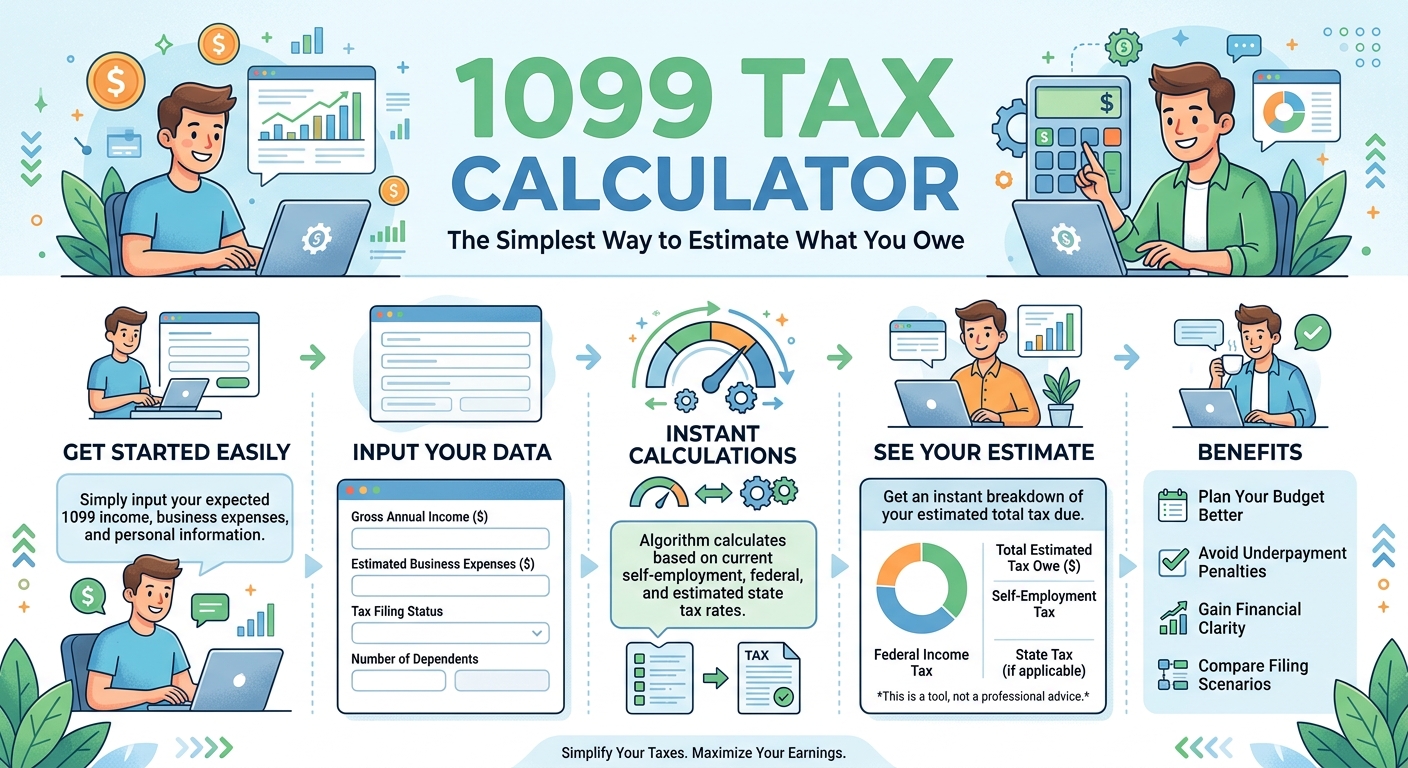
Getting a 1099 instead of a W-2 changes your entire relationship with taxes. Suddenly there is no employer quietly handling withholding, no paycheck that arrives already adjusted, and no safety net catching you if you underestimate. Just you, your income, and a tax bill that can feel impossible to predict. The simplest way to cut through that uncertainty is to stop guessing and start estimating with a tool built for the job. A 1099 Tax Calculator takes the mystery out of the equation, giving you a clear, quick estimate of what you owe so you can plan instead of panic. This guide keeps things simple and shows you exactly how to use one.
Why You Cannot Just Wing It
Some people try to handle 1099 taxes by intuition, setting aside “some” money and hoping it works out. It rarely does, because 1099 taxes have moving parts that intuition consistently underestimates.
- Self-employment tax adds 15.3% on top of income tax, a cost W-2 employees never see in full.
- No withholding means the whole bill lands at once instead of being spread across paychecks.
- Quarterly payments are expected, and missing them can add penalties.
- Deductions change the math significantly, and most people do not track them well.
The result of winging it is almost always the same: an unpleasant surprise at tax time. A calculator replaces that surprise with a number you can see coming from months away.
How the Calculator Works
The beauty of a 1099 tax calculator is its simplicity. You enter a few pieces of information and it does the rest.
| What you enter | What it tells you |
|---|---|
| Your expected 1099 income | Estimated self-employment tax |
| Your business expenses | Estimated income tax |
| Your filing status | Your total estimated liability |
| Your state | State tax, if applicable |
In a matter of seconds, you go from having no idea what you owe to having a concrete estimate. Even better, most calculators show you a percentage of income to set aside, which is the one number that makes the rest of tax planning easy.
The One-Number Trick That Simplifies Everything
If you take away just one idea from this article, make it this: find your set-aside percentage and use it religiously. Everything else follows from it.
- Run the numbers. Enter your projected income and expenses into the calculator.
- Get your percentage. The calculator tells you roughly what share of income goes to taxes.
- Save that share automatically. Move that percentage into a separate account every time you get paid.
- Adjust as you go. Recalculate when your income changes meaningfully.
For most people the number lands between 25% and 35%. Once you know yours, you never have to wonder again whether you are saving enough. The moment money arrives, a fixed slice goes to a tax account, and the rest is truly yours to spend.
Deductions Make Your Estimate Smaller
Your tax is based on your income after deductions, not your gross income. Feeding your legitimate business expenses into the calculator gives you a lower, more accurate estimate. Common deductions include:
- Business mileage for work-related driving.
- Home office expenses for a dedicated workspace.
- Equipment and supplies used in your work.
- Software and subscriptions that run your business.
- Professional fees for accountants or legal help.
Mileage in particular is easy to overlook and often quite valuable. At the 2026 IRS rate of 76 cents per mile in the second half of the year, even a few thousand business miles produce a meaningful deduction. The official rules on deductible business expenses are laid out by the IRS on deducting business expenses, which is a good reference to keep handy.
Don’t Forget Quarterly Payments
The IRS generally expects self-employed people to pay estimated taxes four times a year rather than in one lump. A calculator makes this painless by breaking your total into quarterly chunks.
| Quarter | Covers income from | Usually due |
|---|---|---|
| Q1 | January to March | Mid-April |
| Q2 | April to May | Mid-June |
| Q3 | June to August | Mid-September |
| Q4 | September to December | Mid-January |
Paying these on time keeps you penalty-free and prevents the dreaded year-end pileup where a full year of taxes comes due at once. With a calculator, each quarterly payment is just a number you already know.
Estimate vs. Reality: Why Close Is Good Enough
Some people avoid calculators because they worry the estimate will not match their final tax bill exactly. That worry misses the point. The goal of an estimate is not perfection, it is preparation.
- An estimate that is close means you set aside roughly the right amount and avoid a nasty surprise.
- A refined quarterly estimate gets closer to reality as the year unfolds and your real numbers come in.
- The final calculation at filing time is where precision happens, ideally with tax software or a preparer.
Think of the calculator as your early-warning system, not your final answer. It gets you 90% of the way there months in advance, which is exactly when that information is most useful. The remaining 10% gets sorted at filing. Waiting for perfect information before you plan is how people end up unprepared, so use the good-enough estimate now and refine it as you go.
Keeping It Simple All Year
The whole appeal of this approach is that it requires very little ongoing effort. A minimal routine keeps everything on track:
- Estimate once at the start of the year, then refine quarterly.
- Set aside your percentage automatically on every payment.
- Track deductions in real time so your estimate stays accurate.
- Pay quarterly using the calculator’s figures.
That is genuinely all it takes. No spreadsheets full of formulas, no accounting degree, no April panic. Just a simple estimate, a fixed set-aside, and on-time payments.
Who Should Be Using a 1099 Calculator
If any of the following describe you, a tax calculator is not optional, it is essential.
- Full-time freelancers whose entire income arrives untaxed and unwithheld.
- Side hustlers earning 1099 income on top of a regular W-2 job, where the extra income can push you into surprising territory.
- Gig workers driving, delivering, or performing tasks through apps that report your earnings on a 1099.
- Independent contractors in trades, consulting, design, writing, or any field paid per project.
- New freelancers who have never faced self-employment tax and have no baseline for what to expect.
The common thread is untaxed income. Anytime money comes to you with no withholding attached, part of it already belongs to the IRS, and the calculator is how you find out how much before you accidentally spend it. Running the numbers early is the difference between a tax season you planned for and one that blindsides you.
The Bottom Line
Owing taxes on 1099 income does not have to be stressful or mysterious. The difficulty comes almost entirely from not knowing your number, and a 1099 tax calculator solves that in seconds. It tells you what you owe, what percentage to set aside, and what to send each quarter, turning a confusing obligation into a simple routine.
The simplest path to a stress-free tax season is also the most reliable: estimate early, set aside a fixed slice of every payment, track your deductions, and pay your quarterlies on time. Run the numbers before they run you, and the tax bill that once felt impossible to predict becomes just another line you planned for all along.